My KPOP Shop Milestone Codes Guide
Likes, favorites, and Settings redemption for free shop cash.
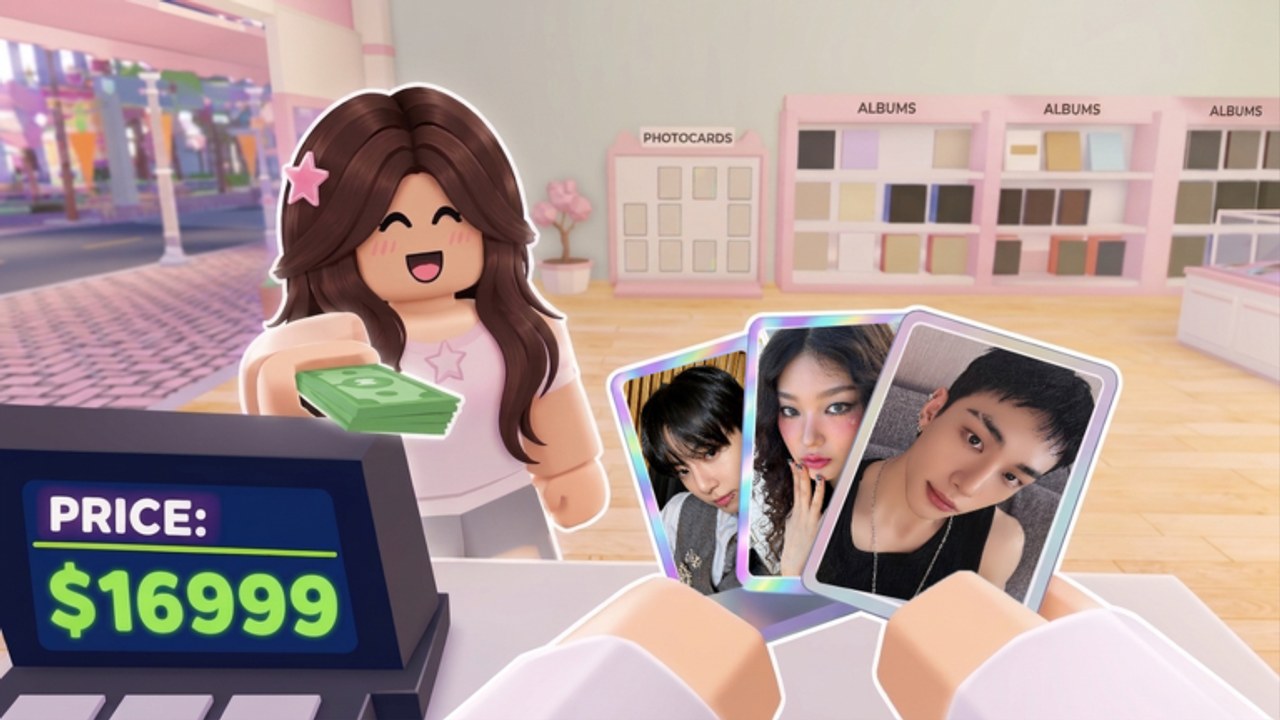
My KPOP Shop uses community milestones to drip new promo codes. Instead of waiting only on random social posts, players watch likes and favorites on the Roblox page and redeem gifts in Settings. This guide explains the milestone mindset, lists early known codes, and shows how to spend rewards without wrecking your shop plan.
Always cross-check the live table on Codes. This page focuses on how milestones work and how they connect to progression hubs.
Known early codes
Players widely share these launch-era strings (verify in-game; remove from your personal list if expired):
- KPOPSHOP
- 250LIKES
- MONEYPLEASE
Redeem path: open Settings → find the code entry → paste carefully → claim → spend with a plan.
Upcoming milestone targets
Community tracking points to the next major unlocks around:
- 2500 likes
- 5000 favorites
When those hit, expect new codes to be announced on Discord (Official Links / https://discord.com/invite/DXgBEaQ5RZ) and mirrored on the Codes page. Update this milestone page the same day when possible.
Why milestones matter more than one lucky code
A single code is a bump. A milestone culture means predictable free cash events as the game grows. Smart owners:
- Favorite and like the Roblox game page early
- Ask friends to do the same during co-op sessions
- Watch Discord when counters near targets
- Redeem immediately in Settings
- Route rewards into stock/staff before packs
That loop ties social growth to shop growth.
Best spend order for milestone rewards
Use the same discipline as the Money Guide:
- Refill S/A products
- Fill missing staff roles (Hire Staff)
- Invite friends so +10% bonuses multiply the fresh capital during a session
- Push sales rankings while shelves are deep
- Only surplus → photocard packs
- Themes/decoration last unless a limited item truly expires
Milestone cash wasted on panic opens is a community-wide meme—don’t be the example.
How this differs from weekly patch notes
November 2026 and the broader Updates Hub cover systems and patches. Milestone codes are a progress reward track tied to social proof metrics. A quiet week for gameplay patches can still be a huge week if favorites spike.
Session plan when a new milestone code drops
- Confirm spelling on Codes
- Redeem on all your qualifying accounts/sessions as allowed by rules
- Run the shop checklist restock block
- Call friends for a short ranking burst
- Log off with shelves healthy for offline earnings
Helping the counter move
Legitimate growth help:
- Share the play URL in friend groups
- Host welcoming co-op shops (max six)
- Point new players to Getting Started so they stay
- Avoid fake review spam or tools that violate Roblox rules—see risk context on Scripts
Healthy players create sustainable milestones; botted metrics risk platform action.
Tracking template
Keep a simple note:
- Current likes / favorites (check Roblox page)
- Next target (2500 likes, 5000 favs, then whatever devs announce next)
- Codes already redeemed
- Codes failed / expired
- Spend plan for the next drop
When targets change after a developer message, update the note and this wiki page.
FAQ-driven edge cases
Code fails. Check caps, typos, spaces, and expiry on the Codes page. No Settings field. Restart or recheck UI after a weekly update. Friends already redeemed. Your code status is per account—still ask them to like/favorite for the next milestone.
Related routes
Final takeaway
Milestone codes convert community support into shop capital. Like, favorite, watch Discord, redeem in Settings, spend on uptime first. Aim at the 2500 likes and 5000 favorites targets, keep the early codes claimed, and let free cash accelerate a disciplined My KPOP Shop—not a broke binder spree.
Frequently Asked Questions
Quick answers for My KPOP Shop shop owners.
What are the next code milestones?
Community tracking focuses on 2500 likes and 5000 favorites. Confirm new codes on Discord and the Codes page when those hit.
Which codes work at launch?
Early shared codes include KPOPSHOP, 250LIKES, and MONEYPLEASE. Always verify live status before spending time on failed redeems.
Where do I redeem milestone codes?
In Settings inside My KPOP Shop. Paste carefully and claim before stocking shelves.
What should I buy with milestone rewards?
Restock bestsellers and fill staff gaps first, then use friend bonuses for a sales push; open packs only with surplus.