Codes
Active My KPOP Shop codes with cash and 2x money rewards, Settings redeem steps, and tips so you claim free gifts before they expire.
View all CodesCodes · Guides · Shop Tips
Unofficial My KPOP Shop Roblox wiki: redeem codes, stock shelves, hire staff, catch thieves, open photocard packs, and grow with co-op.
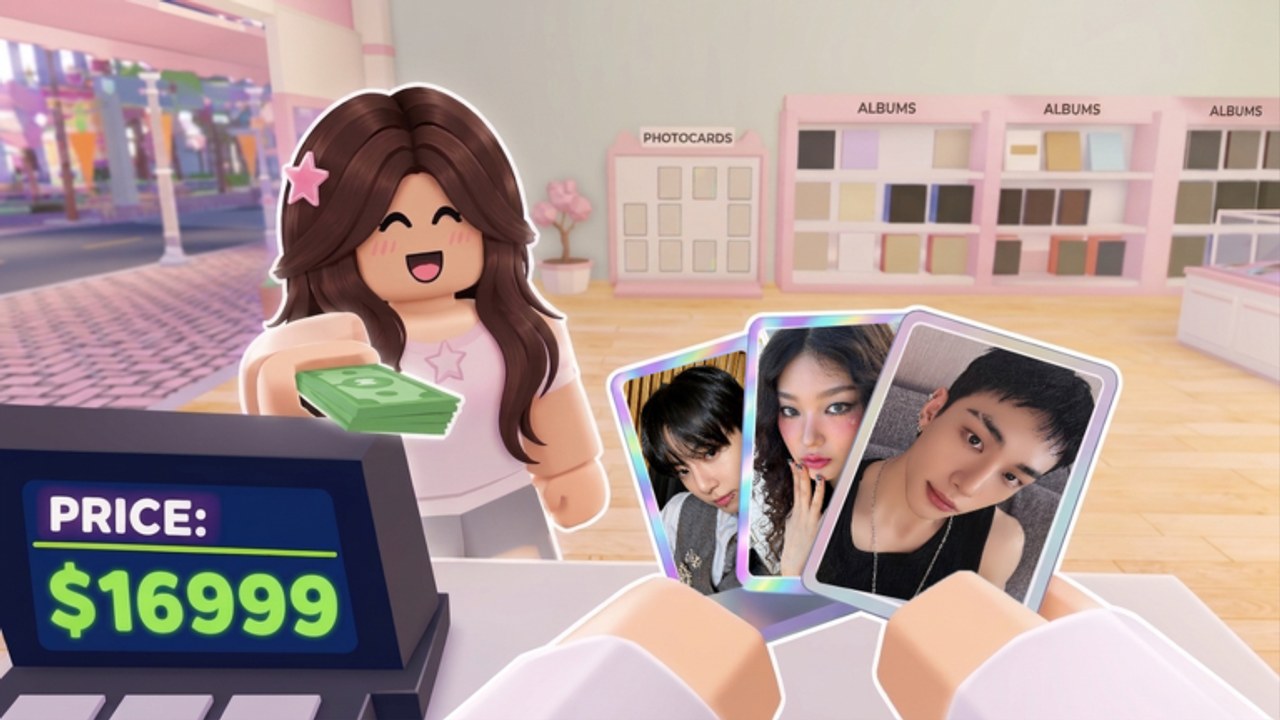
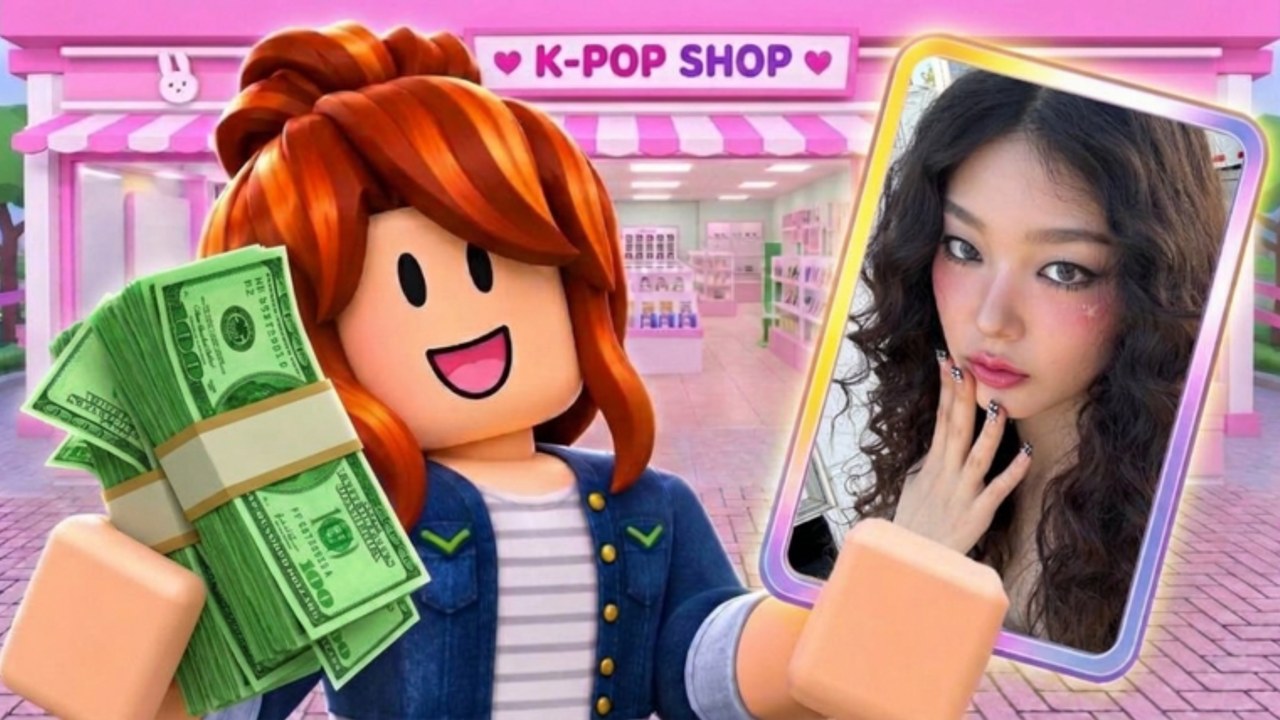
My KPOP Shop is a Roblox merch shop sim by Chuuves: stock albums and lightsticks, hire staff, catch thieves, open photocard packs, decorate with group themes, and invite friends for a friend bonus. Start with Getting Started, claim codes, compare priorities on the tier list, skim scripts and tools, then track updates.
Active My KPOP Shop codes with cash and 2x money rewards, Settings redeem steps, and tips so you claim free gifts before they expire.
View all CodesIn-depth My KPOP Shop guides: stocking, hiring, catching thieves, photocard packs, décor, and co-op tips for every shop.
View all GuidesRank staff, products, and photocards for My KPOP Shop: early versus late priorities so you spend cash where earnings rise fastest each week.
View all Tier ListShop roles, customers, friend bonuses, and sales rankings for My KPOP Shop: how people on your server raise earnings together fast.
View all PlayersMy KPOP Shop patch tracker covering launch notes, weekly update habits, and milestone like or favorite code unlocks in one hub page.
View all UpdatesMy KPOP Shop scripts hub: safety tips, features to look for, and honest notes while dedicated verified scripts are still rare.
View all ScriptsPractical My KPOP Shop tools: daily shop checklists and money-making tips so reopen, restock, and ranking sessions stay efficient.
View all ToolsOfficial My KPOP Shop links: Roblox game page, Discord invite, wiki hubs for codes and guides, plus a clear fan-made site disclaimer.
View all LinksOpen Settings in My KPOP Shop and redeem every active promo on the codes page for cash and 2x money boosts before they expire.
Keep albums, lightsticks, and merch filled so fans keep buying. Follow Getting Started for the early restock loop.
Spend early cash to hire staff so shelves refill, the register moves, and thieves get caught while you decorate.
Stop shoplifters before they drain sales, then clear special requests. Check the tier list for upgrade priorities.
Pull cards into your binder with photocard packs, then bring friends for the friend bonus (+10% earnings each).
Quick answers for My KPOP Shop shop owners.
Read Getting Started, redeem codes, then hire staff so you can stock shelves and catch thieves without doing every job yourself.
Join a server, open Settings, paste a working code exactly (case-sensitive), and confirm. Live rewards are listed on the codes hub and refreshed after updates.
A restocker fills shelves, a cashier rings up fans, and a guard helps stop thieves. Details and unlock tips live on hire staff.
This wiki supports: English, Français, Deutsch, Español, Português (BR). Configure locales in site.meta.json and run npm run generate:i18n.
Invite a friend to work in your shop. Each friend on your server grants about +10% earnings — see friend bonus and the Players hub.
No. This is an unofficial fan wiki for the Roblox game by Chuuves. Confirm announcements on the official Roblox page and developer channels; track patch notes under updates.
From first shelves to photocard binders and co-op bonuses, our guides cover every loop. Start with Getting Started or jump into codes and the tier list.
Start with the beginner guide