Script Safety for My KPOP Shop
Red flags, verification habits, and safer alternatives while dedicated scripts are still scarce.
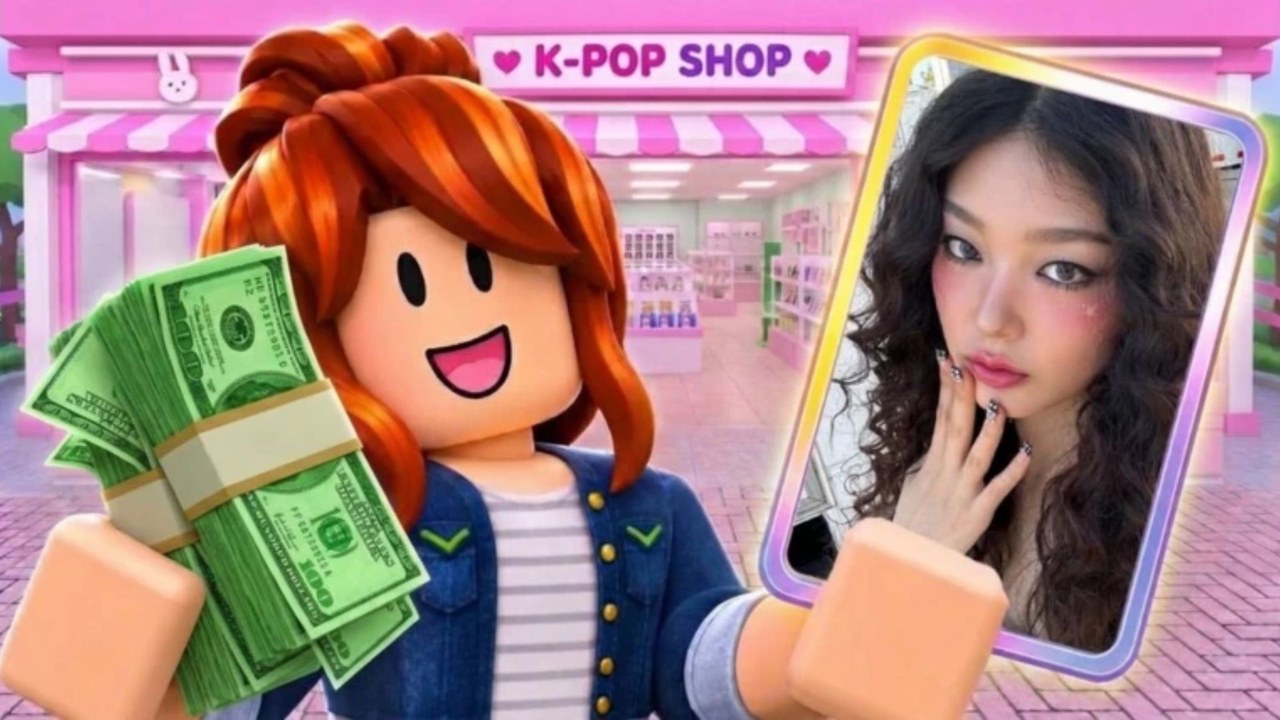
Third-party scripts are the riskiest shortcut around any Roblox experience, and My KPOP Shop is no exception. Because the game is recent, opportunistic uploaders may relabel old GUIs as “KPOP Shop hub” without supporting this place at all. This page teaches you how to evaluate claims, what red flags to reject immediately, and which official systems to use instead. It pairs with the honest status note on the Scripts Hub: we found no dedicated verified script for this title on major indexes during our November 2026 pass, and we will not invent one.
Know what you are risking
Running an executor and pasting unknown source can lead to:
- Roblox account moderation or bans
- Session cookie / password theft through fake UIs
- Clipboard hijacking that swaps crypto or login links
- Persistent malware bundled in “required” executor installs
- Wasted time on scripts aimed at a different place ID
If your goal is simply more cash, redeem codes first. KPOPSHOP, 250LIKES, and MONEYPLEASE are free, official, and documented on this wiki with a full how to redeem path.
Verification checklist before any file
- Confirm the game identity. My KPOP Shop place URL is
https://www.roblox.com/games/128223803884544/My-KPOP-Shopwith universeId10772459222. Scripts that only mention a generic “shop tycoon” without this ID are untrusted for our purposes. - Prefer recent, place-specific reports. A script last updated months before the ~2026-10-22 release window is unlikely to be built for this game.
- Read independent comments. Look for ban waves, “key system steals password,” or “wrong game” replies. Ignore hype-only Discord spam.
- Inspect the monetization wall. Endless link shorteners, forced Discord joins that DM executables, or paid keys with no reputation are classic malware funnels.
- Never hand over credentials. No legitimate script needs your Roblox password, email code, or
.ROBLOSECURITYcookie. - Keep antivirus on. If a tool demands you disable protection, stop.
- Use a secondary account if you still experiment. Never test unknown scripts on a main with limited items or payment methods attached.
- Watch for remote spam. Auto farms that fire unsupported remotes can break your session and attract detection even when the GUI looks pretty.
Red flags specific to My KPOP Shop claims
- Fake loadstrings on random paste sites that claim instant auto restock + auto thief catch + auto checkout + infinite photocards with zero screenshots from this map.
- Copied GUIs from older idol or shop games with only the window title renamed.
- “Undetected forever” marketing — no client exploit can honestly promise that.
- Sellers requesting payment off-platform for a script that “is not on ScriptBlox because it is too strong.”
- Instructions to log into a lookalike Roblox site to “activate” the script.
If you see those patterns, close the tab and return to legitimate play loops: stock shelves, hire restocker / cashier / guard, catch thieves yourself, serve super-fan requests, and level for products and furniture.
Feature wishlist vs. reality
Players often want:
- Auto restock for albums, lightsticks, and packs
- Auto ring-up during fan rushes
- Auto catch thieves
- Helpers for super-fan requests
- Photocard pack openers / binder tools
Wanting those features is understandable. Claiming a private paste already does all of them safely for My KPOP Shop — without community proof — is not. When evaluating a future release, demand evidence recorded on this exact experience, not a slideshow from another game.
How players typically use executors (context only)
In general Roblox scripting culture, a player installs a third-party executor, attaches it to the Roblox client, then runs a Lua source file or HttpGet loadstring. That description is here so you recognize the workflow others mention — not as an install guide. This wiki does not provide executor names to download, bypass steps, or working My KPOP Shop sources. Understanding the workflow should make you more cautious, not more eager.
Safer progression stack
- Redeem codes via Settings (how to redeem).
- Invite a friend for the official +10% earnings per friend bonus on your server.
- Hire staff to cover restock, checkout, and guard duties legally inside the game design.
- Expand and decorate with group themes after shelves stay full.
- Open photocard packs when your economy can afford them; complete the binder over time.
- Claim daily rewards and let offline earnings work as intended.
- Follow Updates and the Discord for real patches instead of exploit rumors.
What this wiki will and will not do
Will: state clearly when no verified dedicated script exists; list feature wishlist items; teach red flags; link official codes and guides.
Will not: invent loadstrings; host malware; tell you to disable security tools; guarantee undetected status; or confuse fan documentation with Chuuves / Roblox support.
For destinations and disclaimers, see Official Links. For non-script strategy, use the Guides Hub and Getting Started.
Stay skeptical, protect your account first, and treat every “working My KPOP Shop script” claim as guilty until place-specific proof appears. Until then, the strongest safe boosts remain codes, co-op, and solid shop fundamentals.
Frequently Asked Questions
Quick answers for My KPOP Shop shop owners.
Does this wiki provide My KPOP Shop script loadstrings?
No. We have not verified a dedicated script for this game and will not invent fake loadstrings. Check the Scripts Hub for the current honest status.
What is the biggest red flag?
Any tool that asks for your Roblox password, email code, or account cookie, or that forces you to disable antivirus before running.
How do I know a script is for this game?
It should clearly target My KPOP Shop with matching place or universe identifiers and recent proof from this experience — not a renamed GUI from another shop game.
Are promo codes safer than scripts?
Yes. Codes redeem in the official Settings UI without executors. Use the Codes Hub and how-to-redeem guide for free cash and 2x money boosts.
Can I get banned for using scripts?
Yes. Unauthorized client modifications violate Roblox rules and can result in moderation. Malicious scripts can also steal the account entirely.