My KPOP Shop Tools Hub
Checklists and money workflows for busy shop owners.
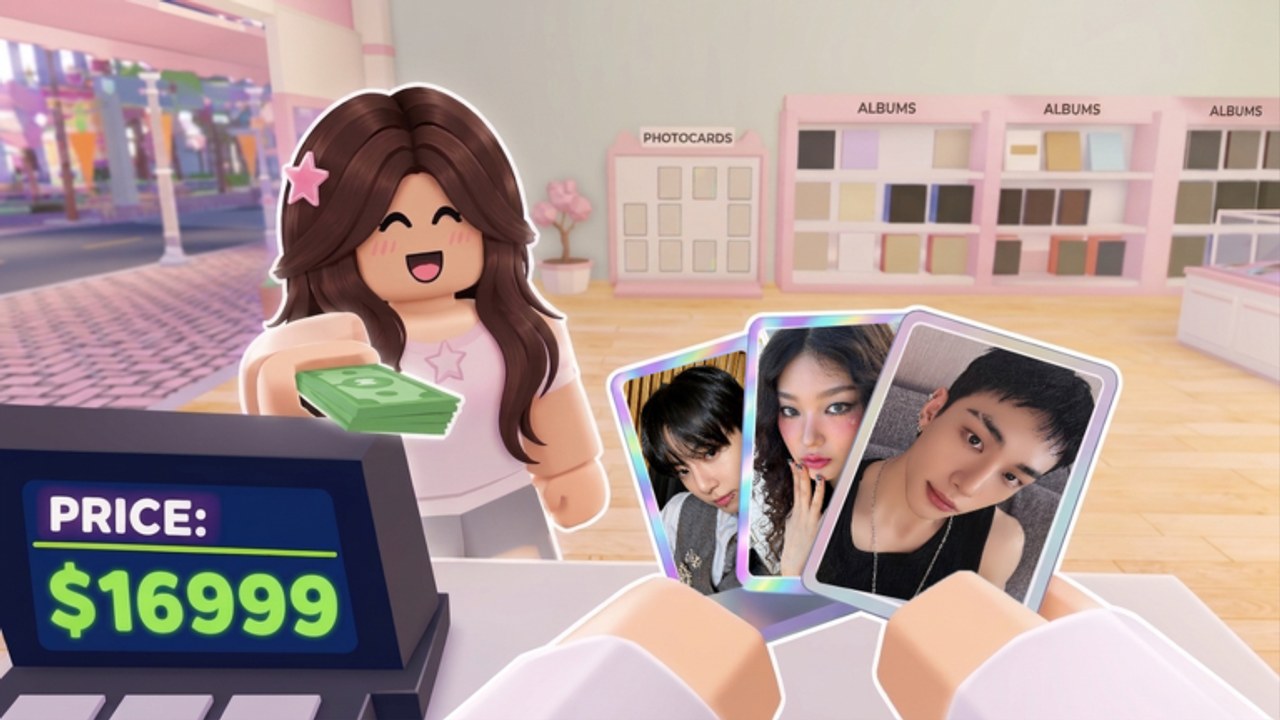
The Tools Hub turns My KPOP Shop advice into repeatable workflows. Tier lists tell you what to buy; guides explain systems; this hub helps you run the same strong session every day—reopen, restock, redeem, hire gaps, invite friends, then chase rankings or photocards without leaking cash.
Tools in this hub
- Daily Shop Checklist — open-to-close tasks for solo or co-op
- Money Making Guide — earnings levers from stock, staff, friends, dailies, offline income, and codes
- Controls & UI Guide — PC and mobile prompts for stock, checkout, thieves, Settings codes, hire, and packs
- Daily Rewards & Offline Earnings — claim order and close-out habits that keep AFK income alive
- Level Progression Guide — pace product, furniture, and staff unlocks
- Gamepasses & Robux — honest Store check; free loop first, no invented prices
Use the checklist when you hop on for ten minutes. Use the money guide when you feel stuck under-earning compared to friends on sales rankings. New owners who cannot find the code box or hire UI should open Controls before guessing menus.
Why a shop sim needs tools pages
My KPOP Shop stacks many small systems: albums and lightsticks on shelves, photocard packs, thief catches, restocker/cashier/guard hires, group-theme decoration, level-ups, daily rewards, offline earnings, and co-op bonuses. Missing one step—empty bestsellers, unclaimed codes, no guard during a rush—quietly tanks a session.
Tools pages are opinionated routines, not scripts. For client-side script discussion see Scripts and understand Roblox risk. Everything here is legitimate play advice.
Suggested daily stack
- Claim daily rewards and redeem active codes in Settings
- Run the shop checklist top to bottom
- Fix staff gaps using Staff Tier List and Hire Staff
- Fix stock gaps using Products
- Invite friends for the +10% friend bonus if ranking tonight
- Only surplus cash goes to packs / photocard chasing
How tools relate to other hubs
- Tier List Hub — what to prioritize when the checklist says “spend”
- Players Hub — who helps you (friends, staff, customers) and how rankings work
- Updates Hub — when routines must change after weekly patches or milestone codes
- Guides — deeper teaching via Getting Started
- Wiki links — Discord and official play URL on Official Links
Session lengths
Micro session (5–10 min): checklist + codes + restock bestsellers + catch obvious thieves.
Standard session (20–40 min): full checklist, hire missing role, co-op bonus, light ranking push, limited packs.
Long session: decoration/themes, binder goals, sustained sales rankings grinding with a full friend group (max six players).
Quality rules for this hub
We keep tools pages actionable: numbered steps, failure points, and links out. We do not invent idol drop tables or fake calculators. If the game adds official stats later, update the money guide with measured advice instead of filler.
Quick links
- November 2026 launch context
- Milestone Codes for like/favorite unlocks
- Tier List Hub for S–F priorities
- Players Hub for roles and bonuses
Open the checklist before you decorate. Open the money guide before you dump savings into packs. Tools Hub is the habit layer that makes the rest of the wiki pay off in-game.
Frequently Asked Questions
Quick answers for My KPOP Shop shop owners.
Are these tools automated bots?
No. They are checklists and strategy pages for normal gameplay. Script tooling is discussed separately on the Scripts page.
Which tool should I open first each day?
Start with the Daily Shop Checklist, then use the Money Making Guide if earnings still feel low.
Do tools replace tier lists?
No. Tier lists decide priorities; tools turn those priorities into a repeatable session routine.
Can co-op groups use the same checklist?
Yes. Assign checklist sections to friends so restock, security, and checkout stay covered together.