My KPOP Shop How to Stock Shelves
Full displays mean busy fans — empty slots mean dead sales.
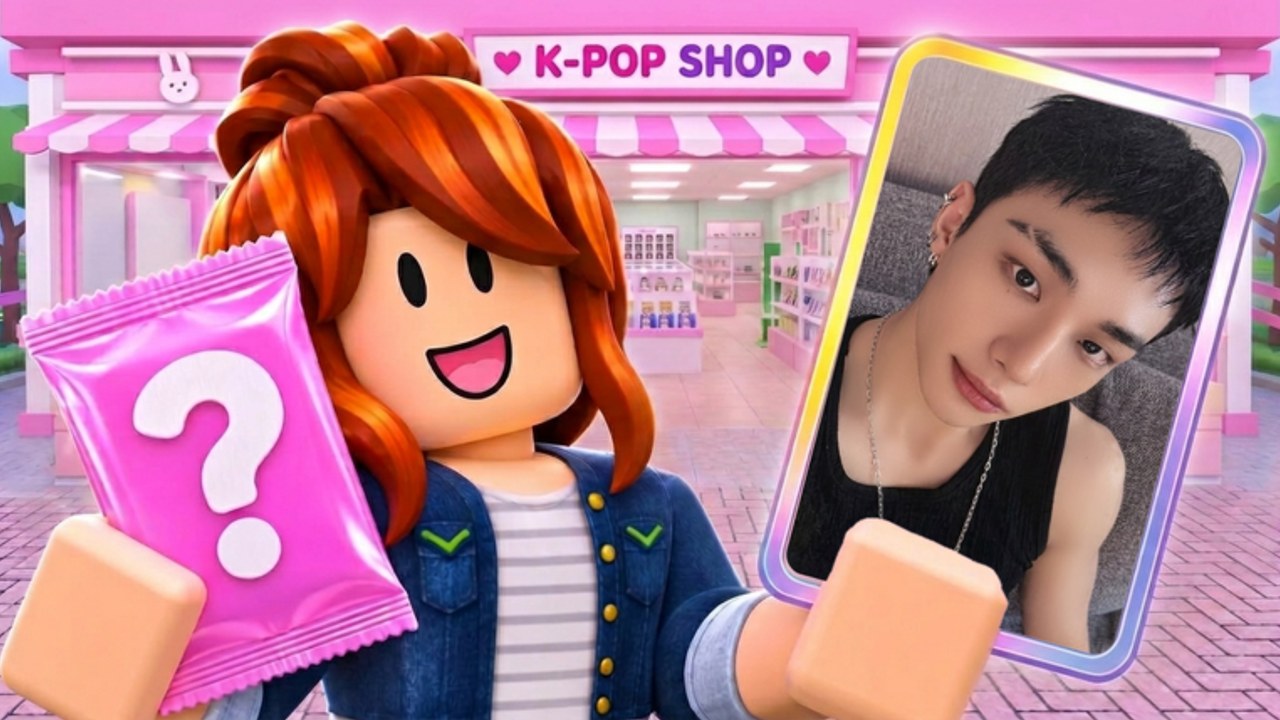
Stocking shelves is the core of My KPOP Shop. Fans buy what they see. Albums, lightsticks, and photocard packs only generate sales while they sit on display. This guide shows how to keep inventory full, how to route restocks without starving the register, and when a hired restocker should take over so you can catch thieves or open packs.
Why full shelves matter
Every empty facing is a missed purchase. New players often ring up a few fans, then wander into decor or binder menus while shelves go bare. Sales rankings and offline earnings both assume you left product on the floor. A pretty theme on empty racks still underperforms a plain shop that never runs out.
Treat stocking as the default action between other goals. If you are unsure what to do for thirty seconds, refill. Pair restocks with Codes 2x money windows so each filled shelf pays double while the boost lasts.
Product types to balance
- Albums — steady shelf fillers; keep multiple facings when you can afford them
- Lightsticks — high-visibility merch fans expect to see; do not leave the lightstick bay empty
- Photocard packs — sell to customers and feed your own binder opens; stock for the floor before hoarding opens
Balance matters more than maxing one category. A shop with only albums and no packs or sticks looks unfinished and converts fewer browsers. Walk a loop past every bay after each restock wave.
Practical restock loop
- Start at the emptiest bay, not the prettiest.
- Buy only what fits empty slots plus a small buffer if storage allows.
- Place stock, then glance at the register line before the next bay.
- After one full circuit, handle thieves or checkout backlog.
- Repeat until every category shows product.
Early on you are the restocker. That is fine. The mistake is abandoning the circuit for ten minutes of pure decorating. Use Decorate Shop money only after the circuit is stable.
When to hire a restocker
Hire a restocker when:
- You spend more time carrying stock than serving or catching thieves
- Shelves empty behind you while you stay stuck at the register
- You want to focus on packs, themes, or co-op without watching every bay
Hiring order and role tradeoffs are covered in Hire Staff. Rough rule: restocker first if shelves die; cashier first if lines die while shelves stay full. Many shops want restocker early because empty shelves silently kill income.
Stocking during theft pressure
Thieves love distracted owners mid-restock. Keep awareness high while placing items. If theft spikes, pause the deep restock, catch the thief, then resume — or hire a guard so restock routes stay safe. See Catch Thieves for response habits.
Co-op partners can split labor: one restocks while one watches aisles. Friend earnings also rise +10% per friend on the server, so a stocked shop with friends multiplies hard — Co-op Guide.
Money tips tied to shelves
- Redeem KPOPSHOP and timed 2x codes before a big restock run
- Claim dailies, then convert cash into shelf product immediately
- Do not open every pack you buy; leave pack inventory for customer shelves
- Reinvest register profit into the scarcest category first
Photocard goals still matter. Once the floor is full, schedule opens with Photocard Packs so binder progress does not cannibalize display stock.
Signs your stocking habit is healthy
- No long empty stretches on any product type
- Register stays busy without emergency bare-shelf moments
- Restocker (when hired) keeps pace while you handle exceptions
- Offline sessions still return meaningful earnings
If sales feel weak despite “some” stock, audit for category gaps. One full album wall and a dead lightstick bay still lose conversions. New players coming from Getting Started should master this circuit before chasing rankings.
Common stocking mistakes
- Buying random merch without checking empty slots
- Overspending on one category while others sit empty
- Ignoring packs on shelves because you want personal opens
- AFKing without a restocker on a busy server
- Decorating mid-rush while bays go dry
Return here after layout expansions. New floor space means new facings to fill — expand only as fast as you can stock. Cross-link back to the Guides Hub when you need the full map of shop systems.
Frequently Asked Questions
Quick answers for My KPOP Shop shop owners.
What products go on shelves?
Albums, lightsticks, and photocard packs are the core displays. Keep all three categories visible so fans always have something to buy.
Should I stock or open packs first?
Stock customer-facing packs first. Personal binder opens come after the shop can stay full without your constant attention.
When do I hire a restocker?
When shelves empty behind you while you serve fans or chase thieves. A restocker frees you for register, security, or progression goals.
Why is offline income low?
Offline earnings assume a stocked shop. Logging off with empty shelves leaves little for the game to sell while you are away.
Do codes help stocking?
Yes. Cash codes and 2x money windows let you refill every bay faster. Redeem in Settings, then run a full restock circuit immediately.